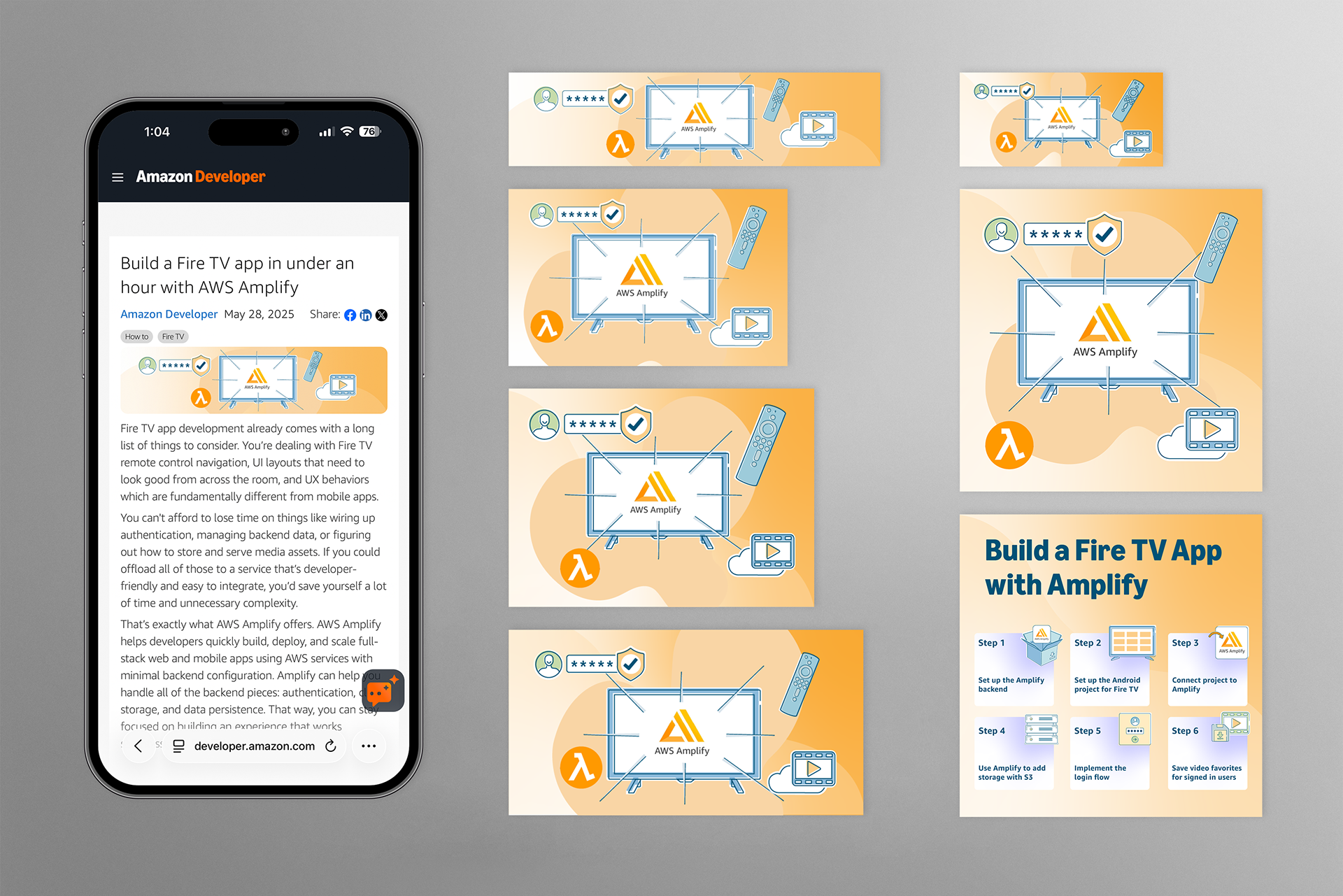
Build a Fire TV app in under an hour with AWS Amplify
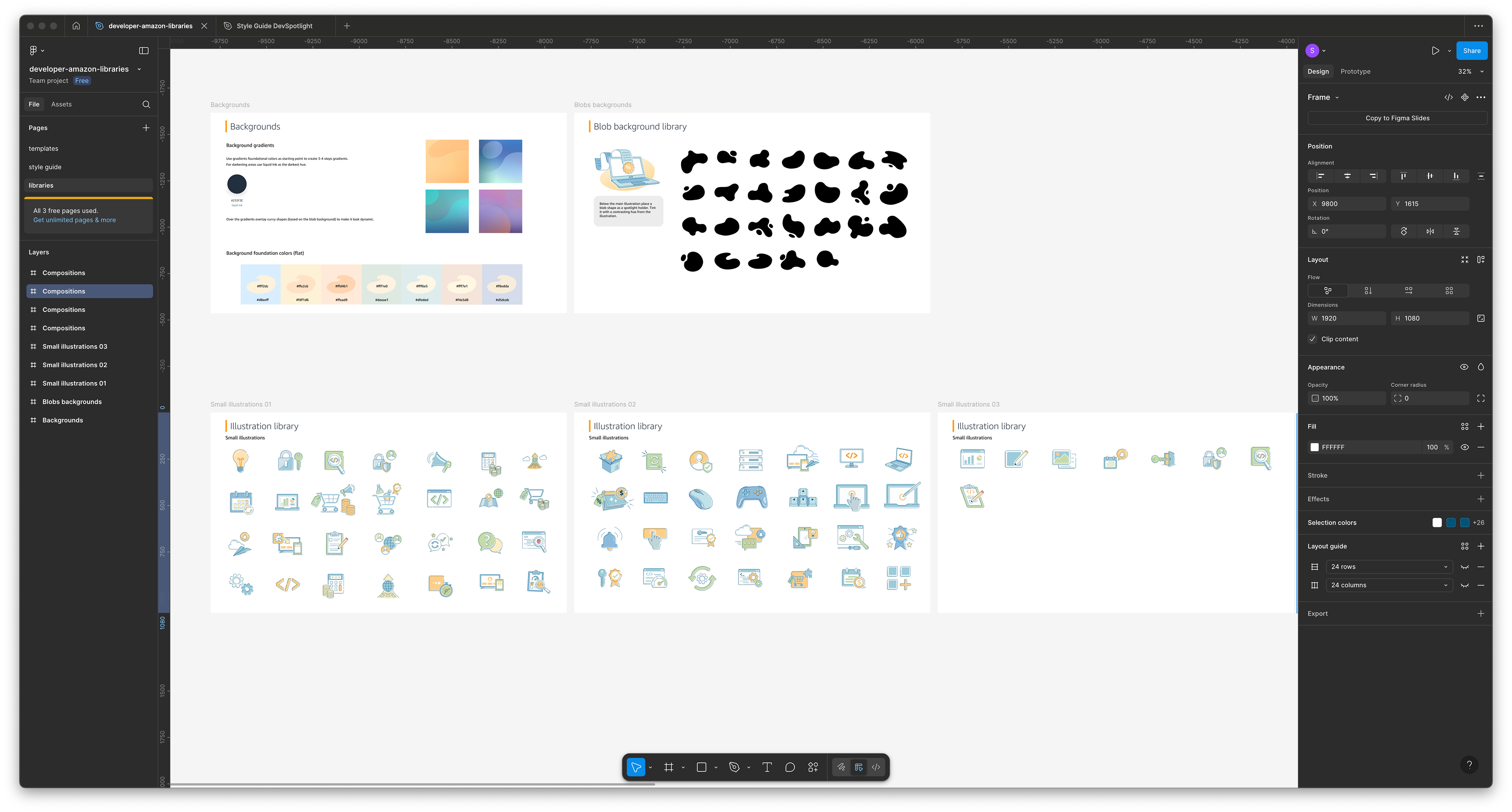
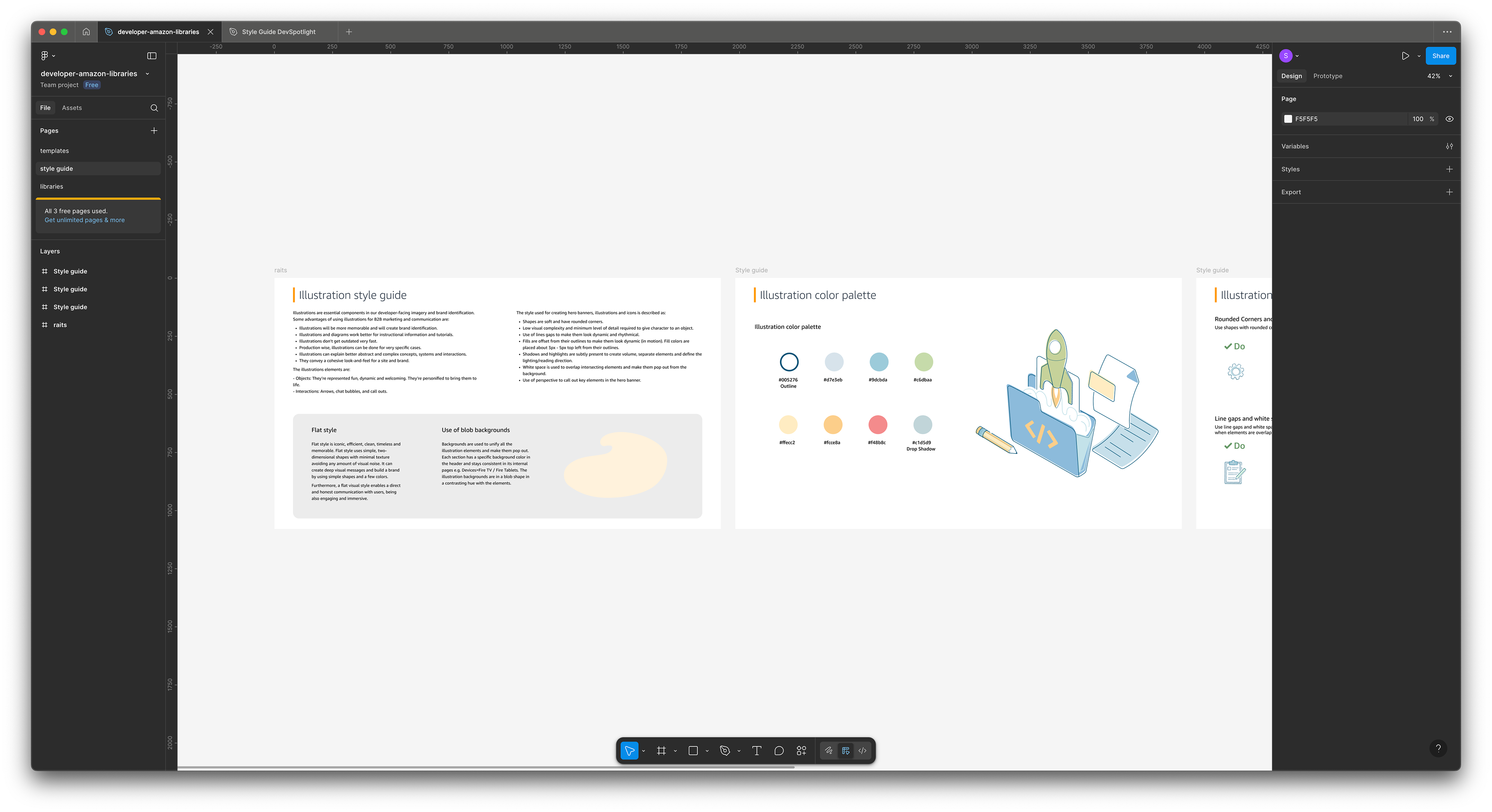
Brand Design Style Guide
Scope:
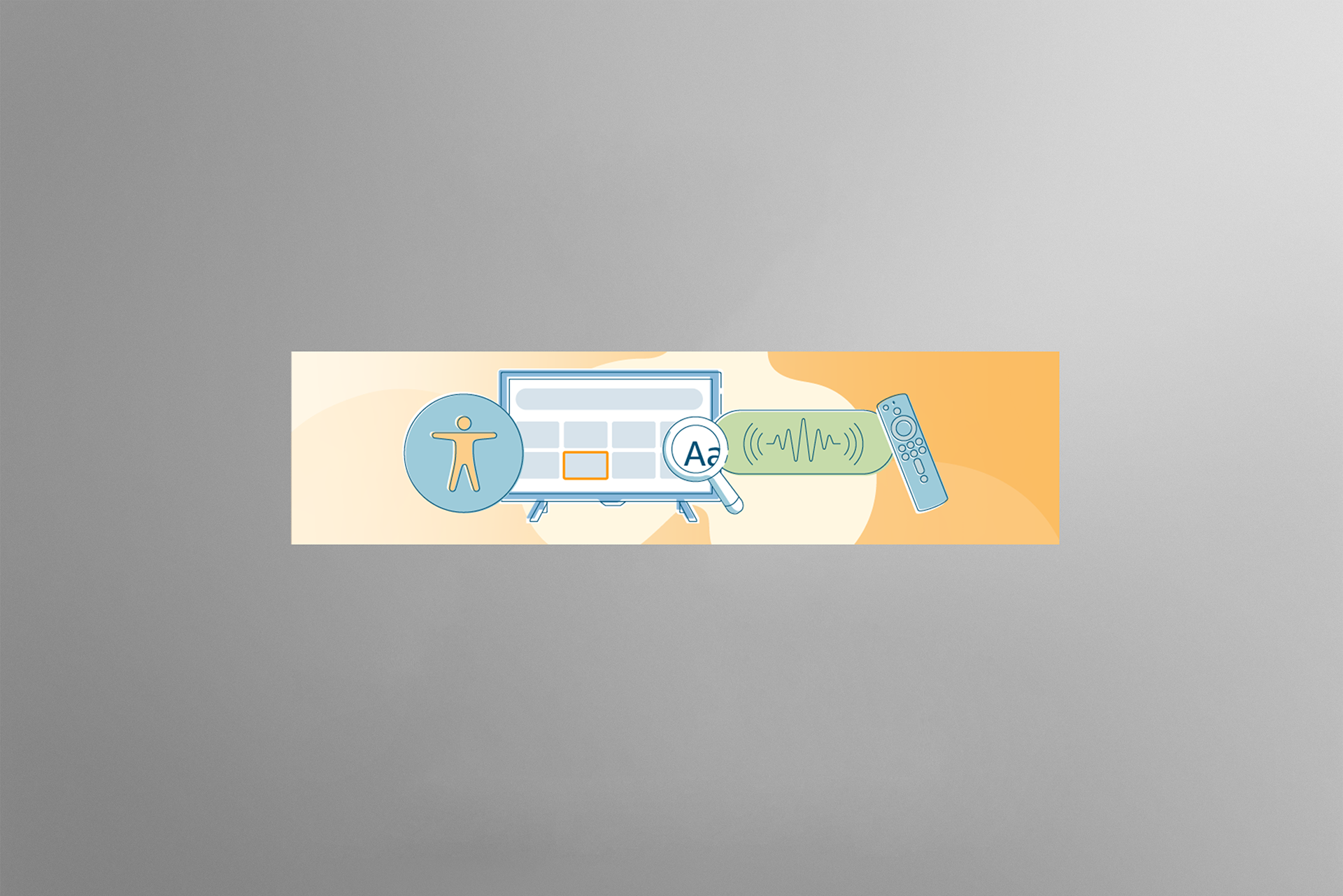
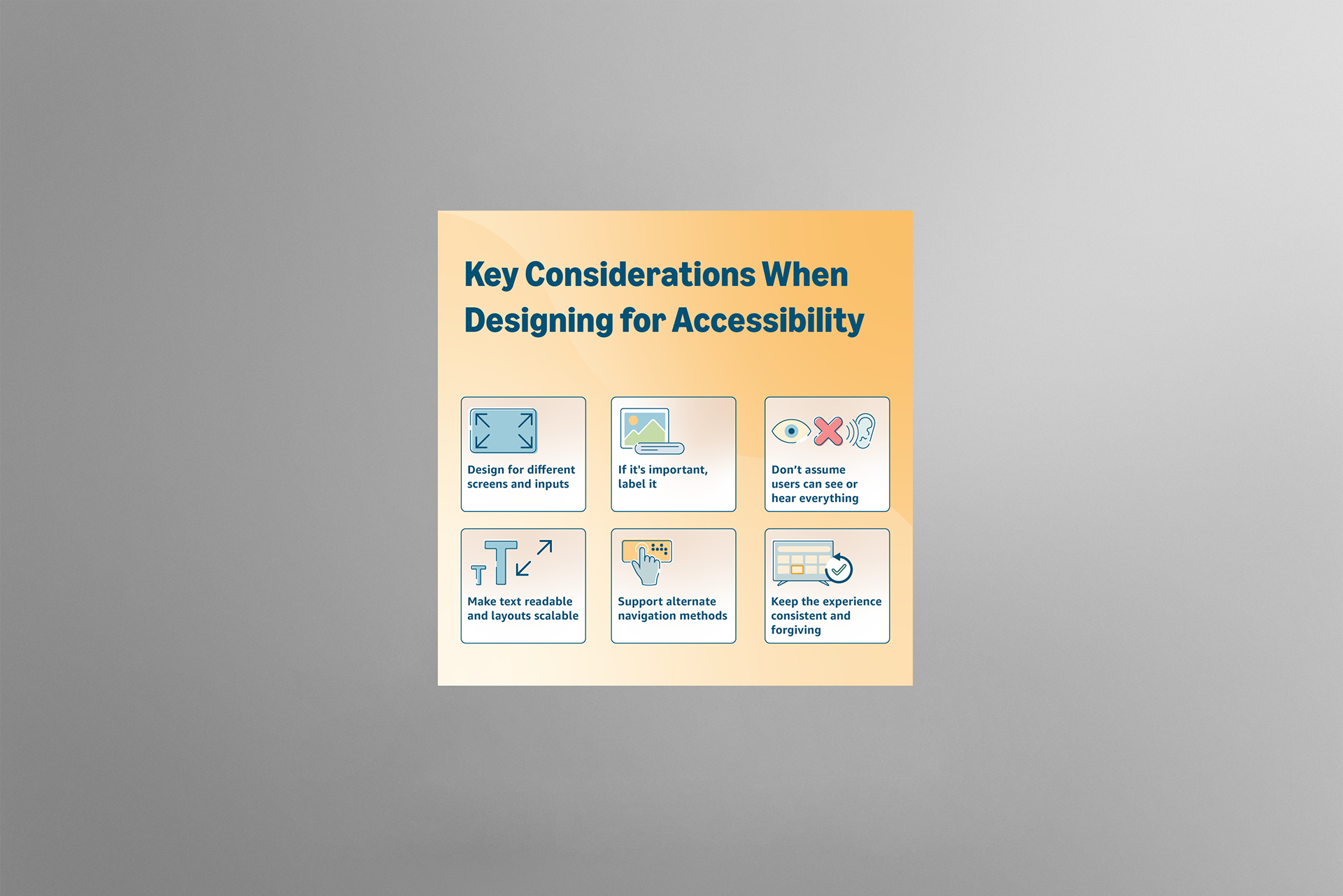
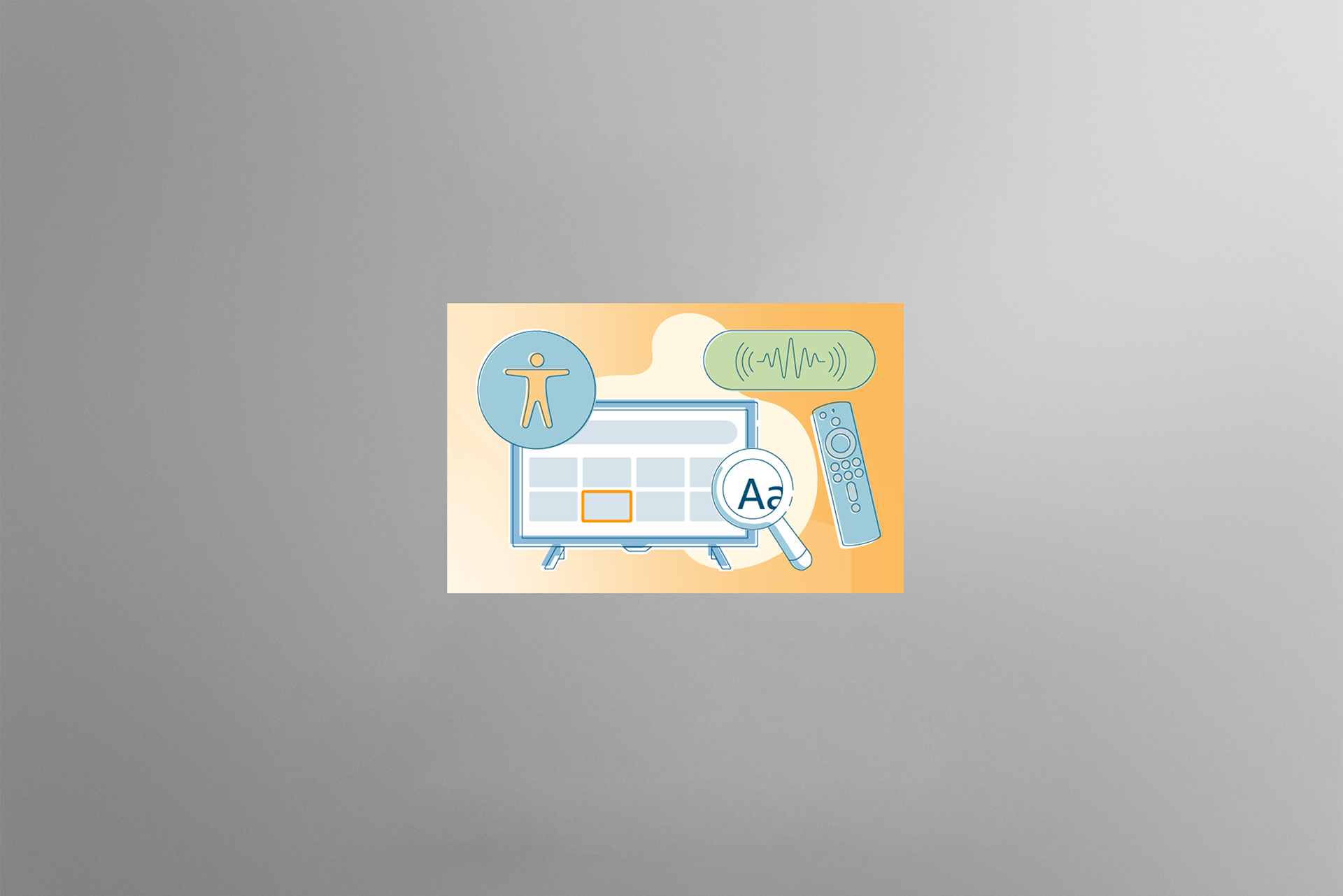
These illustrations were created for the "Build a Fire TV app in under an hour with AWS Amplify" article, which features AWS Amplify, an Amazon service that helps developers test their web and Fire TV applications before launch. The challenge was to design a set of illustrations that bridges the article's complex topics and technical information, specifically by providing clear visual representations of the various phases and steps in the process and ensuring the visuals help readers connect with the content.
Contribution:
I adhered to Amazon Developer brand guidelines to ensure compliance. After carefully reviewing the article, I created a creative brief outlining my vision for the illustrations, colors, gradients, and infographics. Upon Amazon’s approval, I designed the visuals for web, mobile, and social media using Adobe Illustrator.
Design rationale:
I used the Amazon brand guidelines, including illustration style, color, and color theory, to maintain a consistent design across topics with specific stroke thicknesses for different sizes, as well as gradients and shapes to emphasize the visual narrative.
Achievement:
These illustrations unified the brand and the intended messaging, highlighting the article's technical information while visually communicating complex topics. These graphics helped generate engagement and improve article visibility.
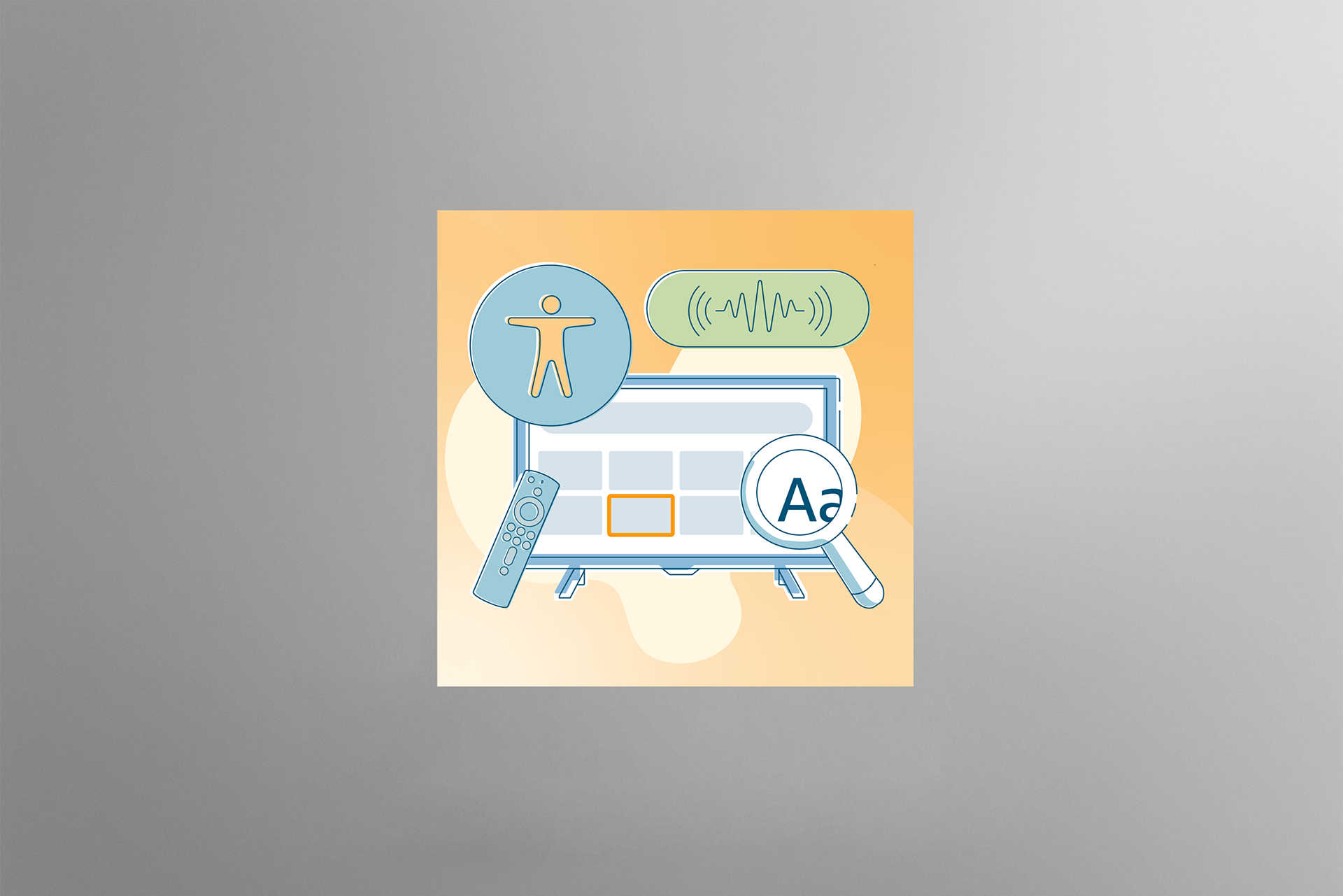


How to use Amazon Q Developer to boost productivity for Frire app development
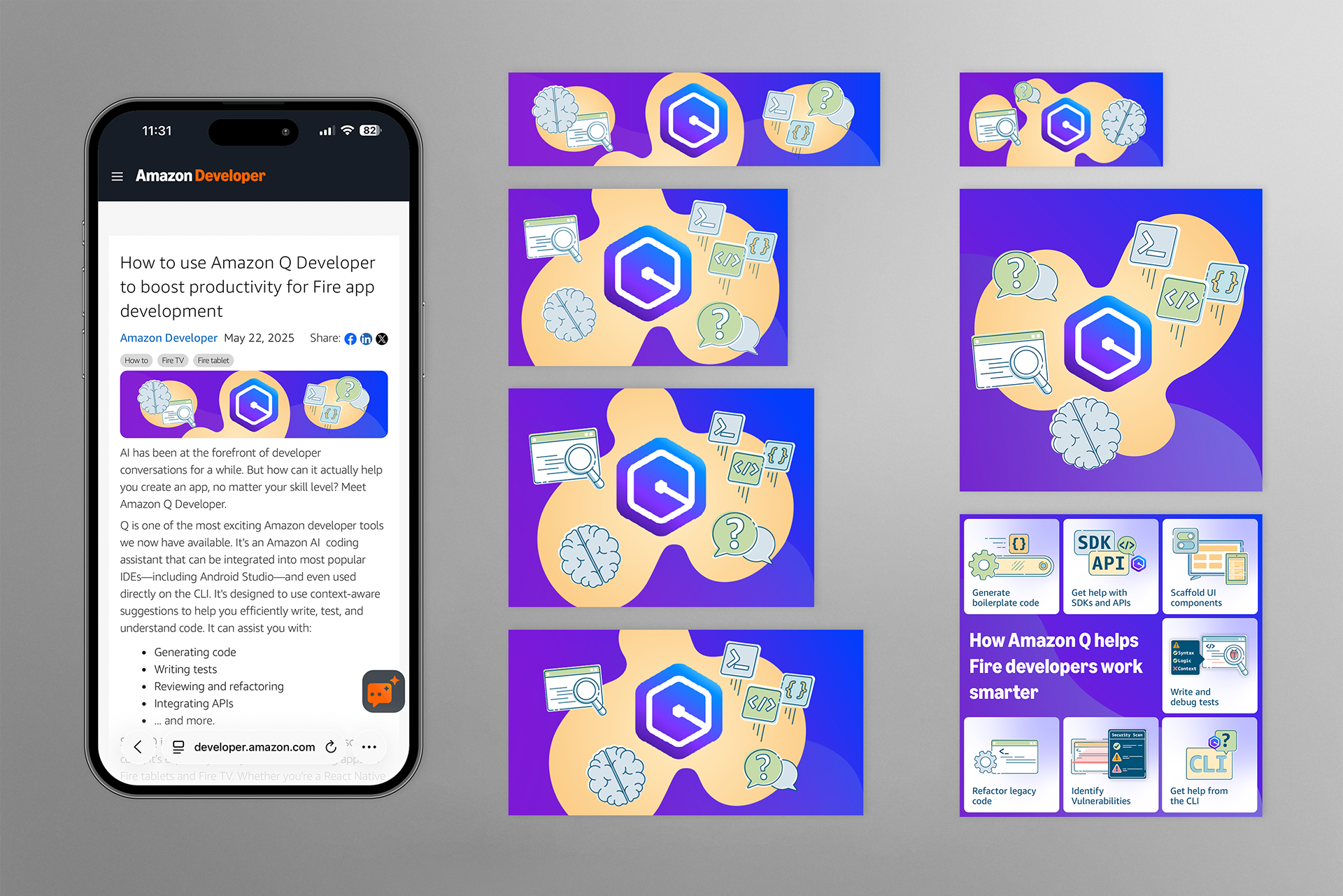
Scope:
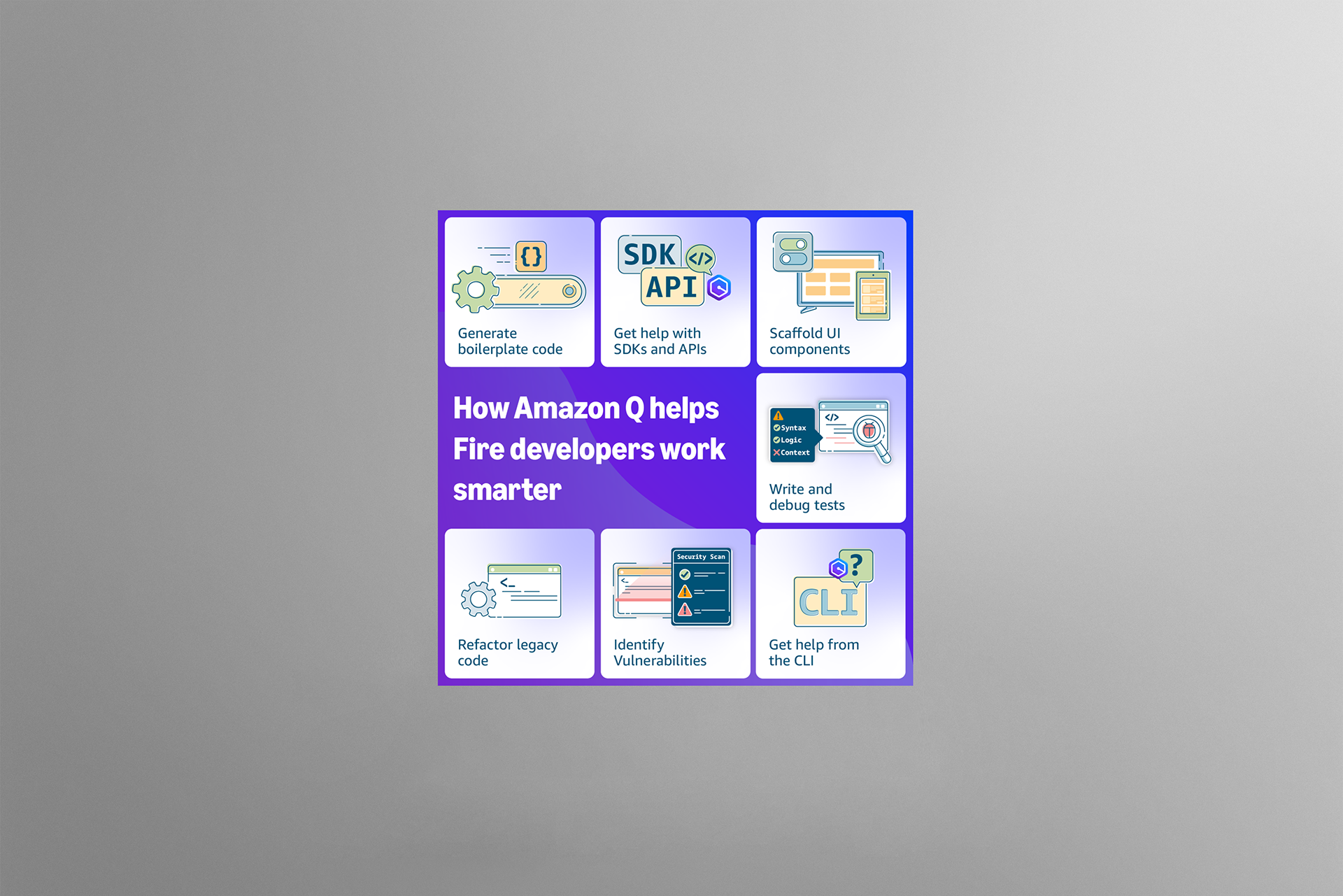
These illustrations were created for the "How to use Amazon Q Developer to boost productivity for Frire app development" article, which features Amazon Q Developer, an Amazon developer tool (code assistant) that helps developers create apps regardless of skill level. The challenge was to design a set of illustrations that visually communicate how Amazon Q helps, highlighting specific features.
Contribution:
I followed the Amazon Developer brand guidelines to ensure compliance. After thoroughly reviewing the article, I developed a creative brief that detailed my vision for the illustrations, colors, gradients, and infographic visuals. Once Amazon approved it, I designed these illustrations and graphics for web, mobile, and social media using Adobe Illustrator.
Design rationale:
I used the Amazon brand guidelines, including illustration style, color, and font, to maintain a consistent design across topics with specific stroke thicknesses for different sizes, as well as gradients and shapes to emphasize the visual narrative. For this set of graphics, I wanted to differentiate them from those in previous articles. To do this, I picked a bolder, more saturated color gradient, highlighting each illustration with a complementary yellow set of background blobs that encompasses all the illustrations.
Achievement:
These illustrations unified technical information, the brand, and the intended messaging, visually highlighting the article's technical details and specific steps. These graphics helped introduce Amazon Q Developer and write and test code more efficiently.





How to test IAP pre-launch (with DevTest)
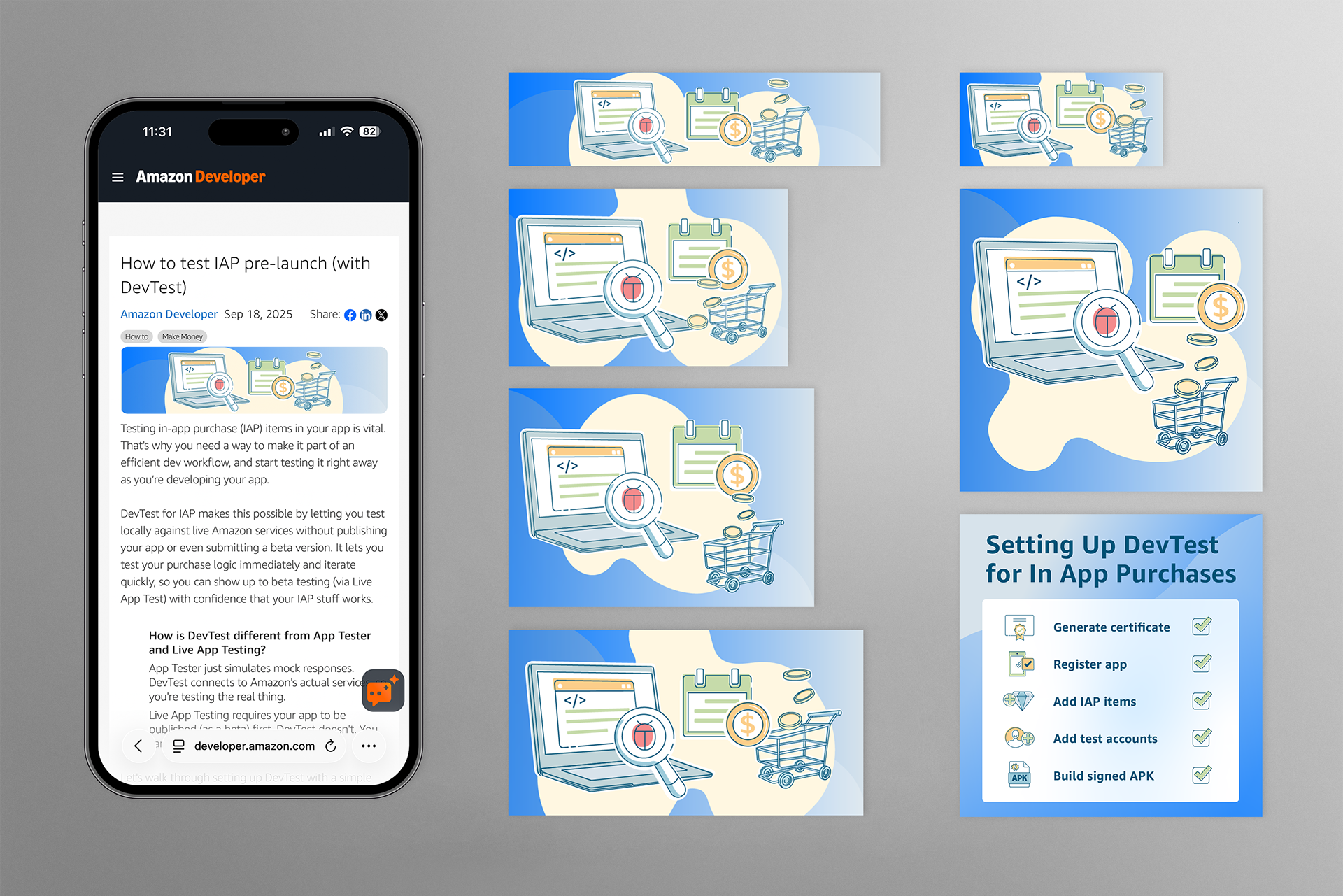
Scope:
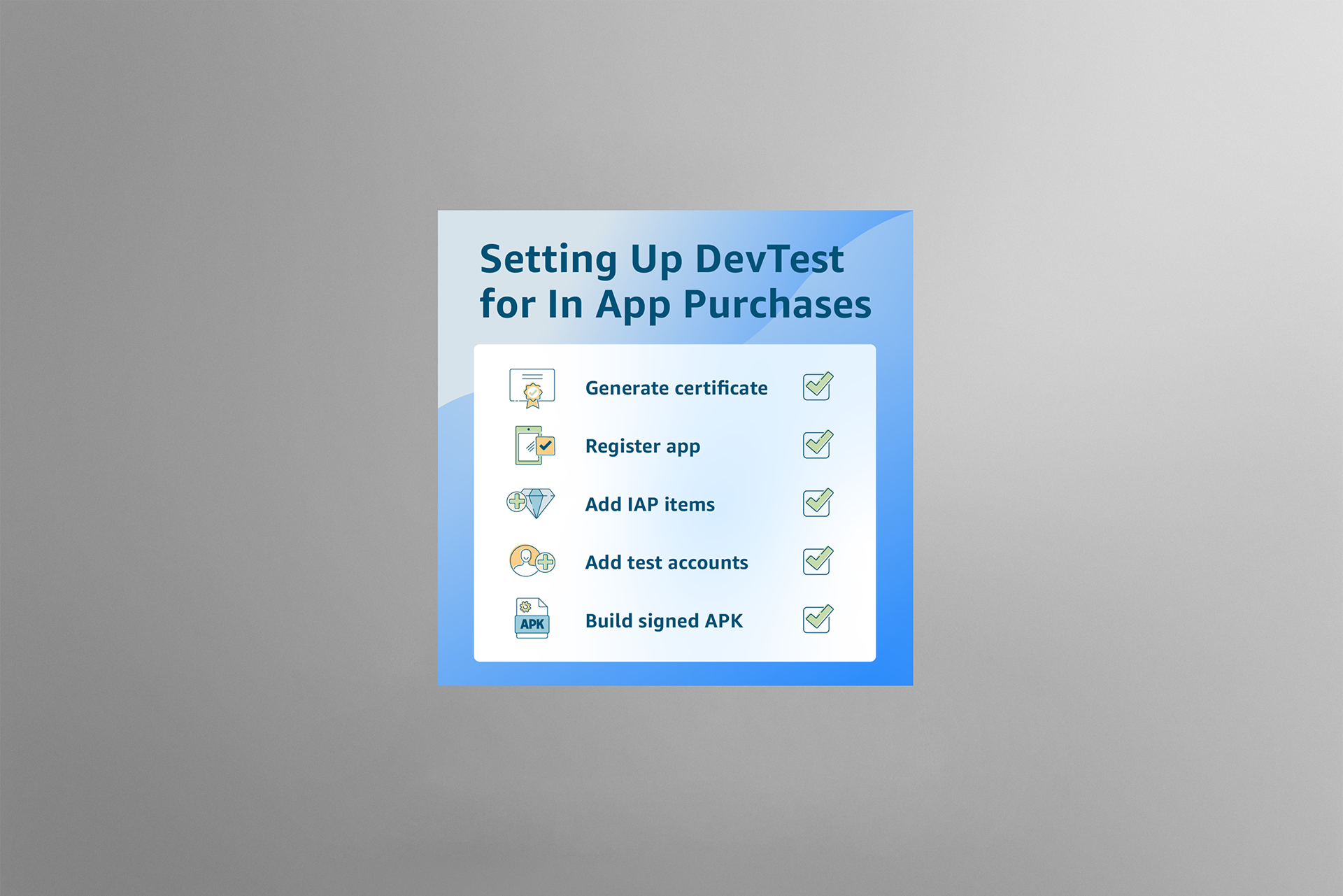
This article covers setting up DevTest, an in-app testing tool for Amazon services. DevTest simulates mock responses to help develop apps faster, rather than publishing the app as a beta for testing. In the illustrations, I aimed to depict the development process, bugs, subscriptions, and in-app purchases to convey the article’s topic. In the infographic, I wanted to highlight the steps needed to set up DevTest for in-app purchase testing. The goal was to visually simplify the setup process as much as possible to make it more approachable.
Contribution:
I adhered to the Amazon Developer brand guidelines to meet specifications. After a careful review of the article, I wrote a creative brief outlining my creative direction for the illustrations, colors, gradients, and infographic visuals. After Amazon’s approval, I created these illustrations and graphics for web, mobile, and social media in Adobe Illustrator.
Design rationale:
I followed the Amazon Developer brand guidelines for illustration style, color, and typography treatment to ensure a consistent design across article topics. This included specific stroke thicknesses for specific sizes, as well as gradients and shapes to highlight the visual narrative. For this article, I wanted to focus on creating an illustration that simplified the DevTest approach. For the main illustration, I wanted to reduce the number of visual elements to improve readability and provide a comprehensive understanding of the article's topic. For the infographic, I wanted to highlight and simplify the setup steps for the developer tool.
Achievement:
These illustrations enhanced reader engagement and experience by reinforcing the article’s main topic and clearly visualizing complex technical details. Additionally, they helped users understand and engage with Amazon Appstore's key in-app testing feature, DevTest.