Overview
I created a series of illustration systems for Amazon Developer blog articles, designing responsive visual assets for desktop, mobile, and social placements. Each set translated technical developer workflows into clear, approachable visuals while maintaining Amazon Developer brand consistency across illustration style, typography, color, and reusable asset components.
Challenge
Amazon Developer articles often explain technical processes, tools, and workflows that can be difficult to communicate through copy alone. The challenge was to create visuals that made each article easier to understand, helped guide readers through key steps, and adapted cleanly across desktop articles, mobile layouts, and social promotional formats.
My Role
I reviewed each article, developed a creative direction, and designed the illustration assets for web, mobile, and social use. I worked within Amazon Developer’s brand guidelines, prepared creative briefs for approval, and built each visual system with reusable components to support consistency across future content.
Design Approach
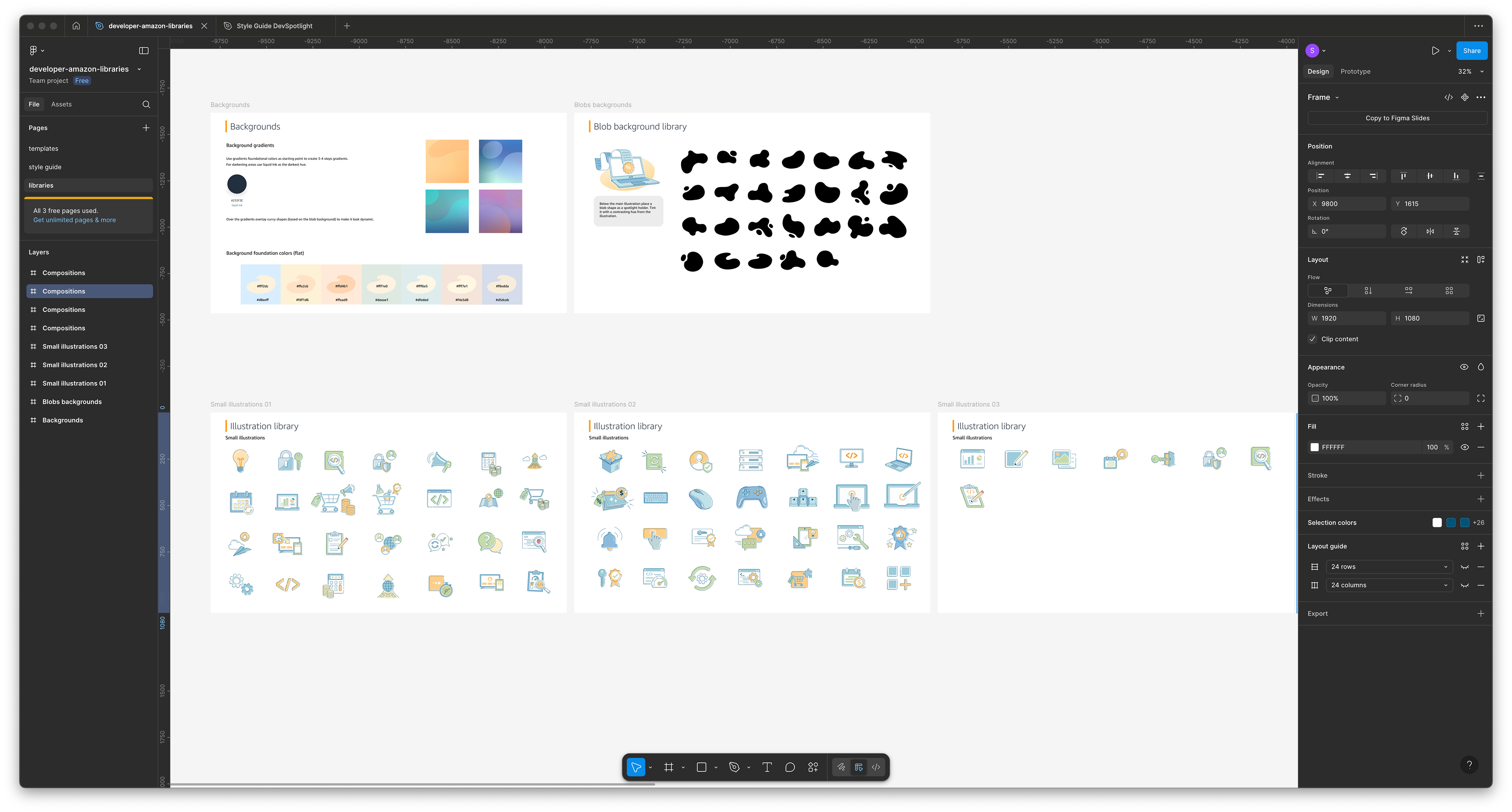
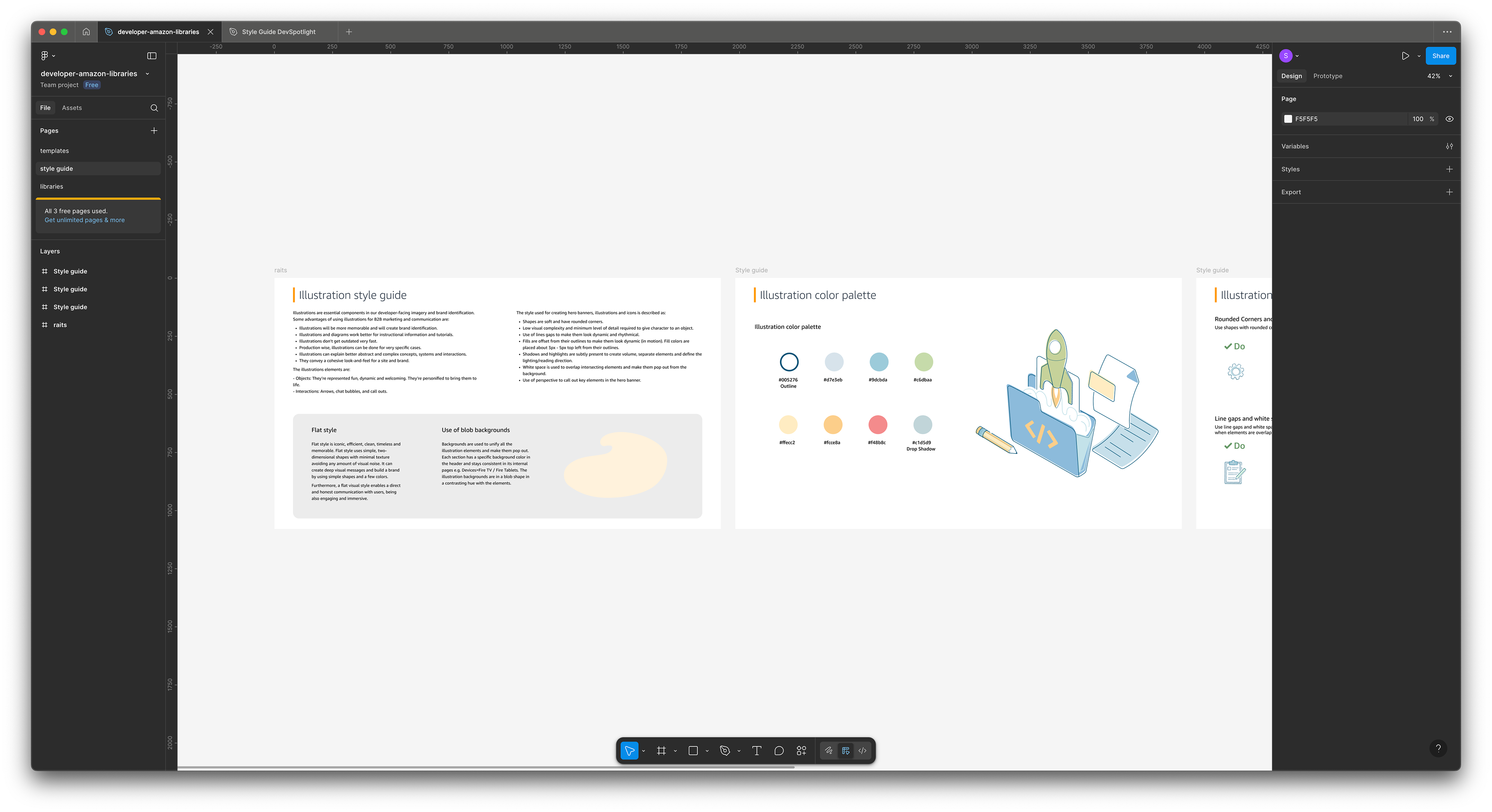
I used Amazon Developer’s illustration style, color system, typography, gradients, and stroke guidelines to create cohesive visual sets across each article. Because the assets needed to work responsively, I designed with scalability in mind. I made sure the illustrations remained clear across desktop, mobile, and smaller social formats.
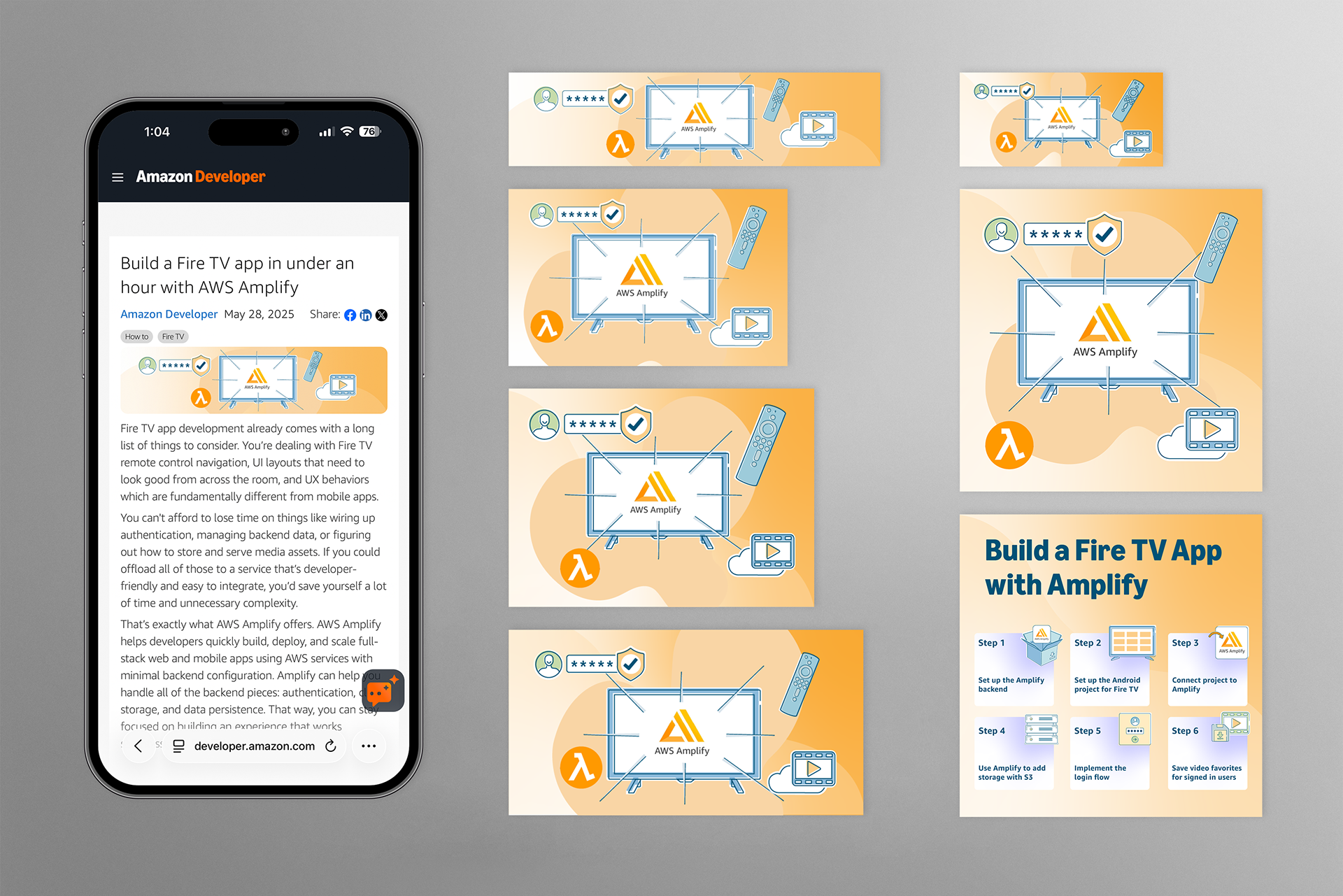
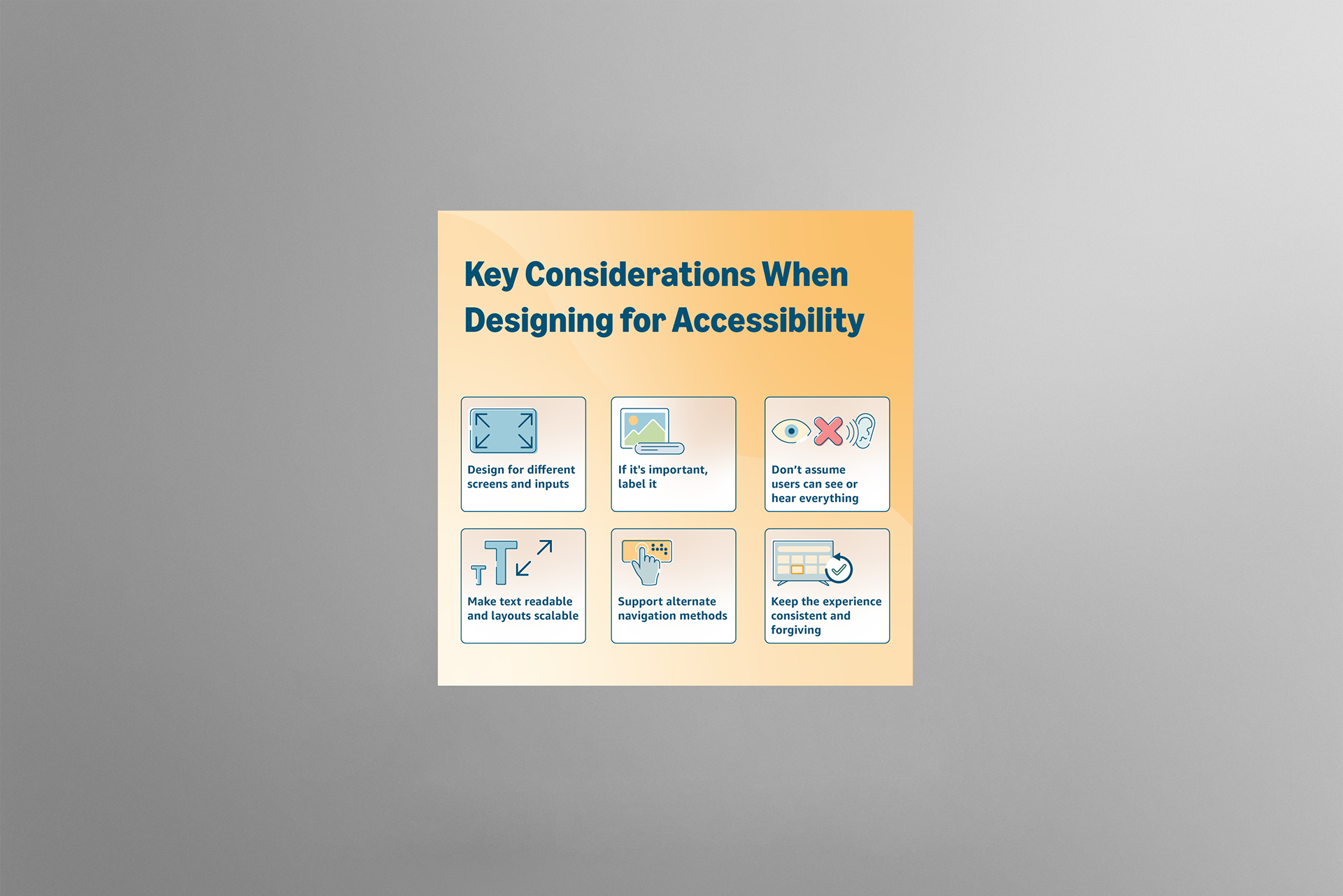
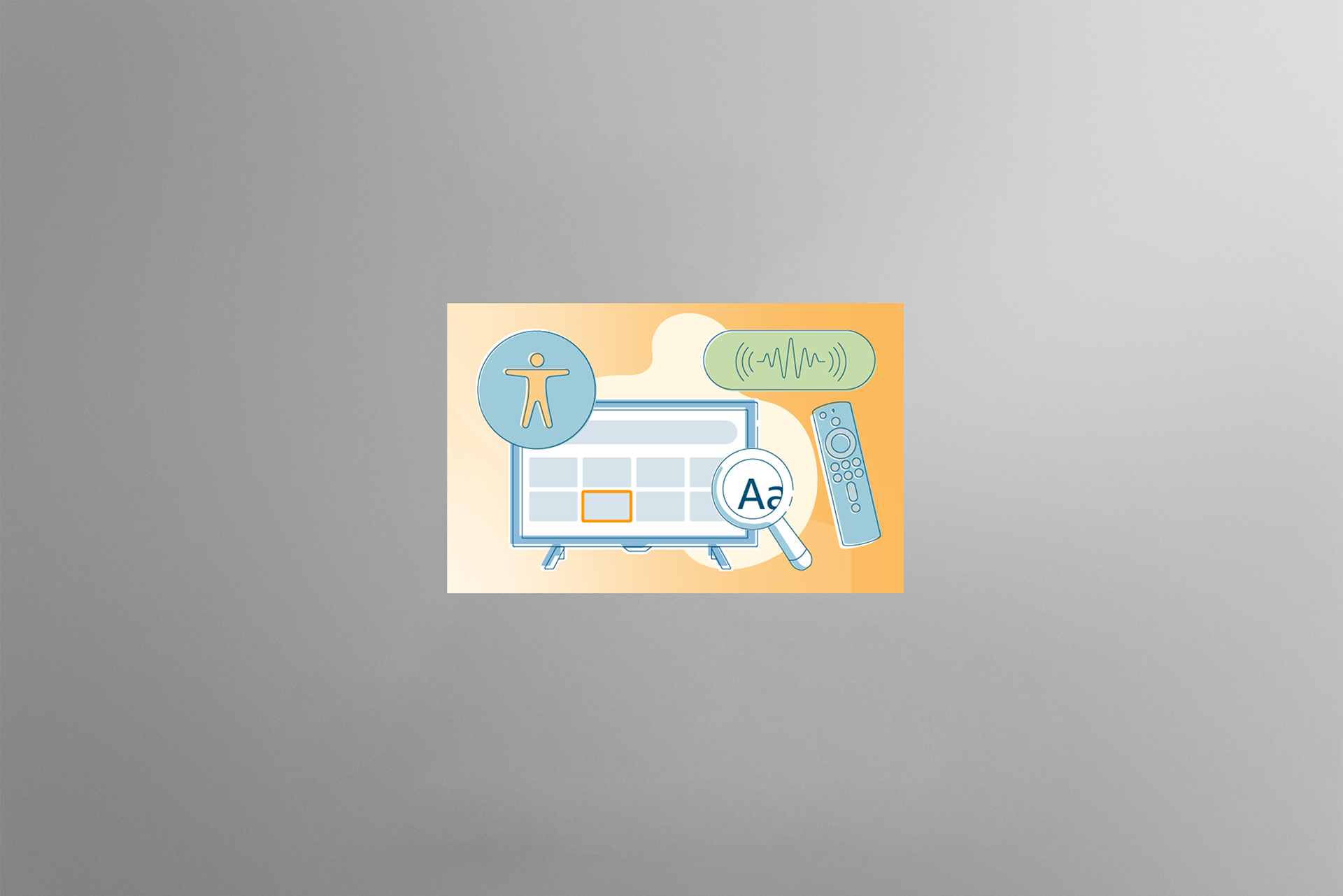
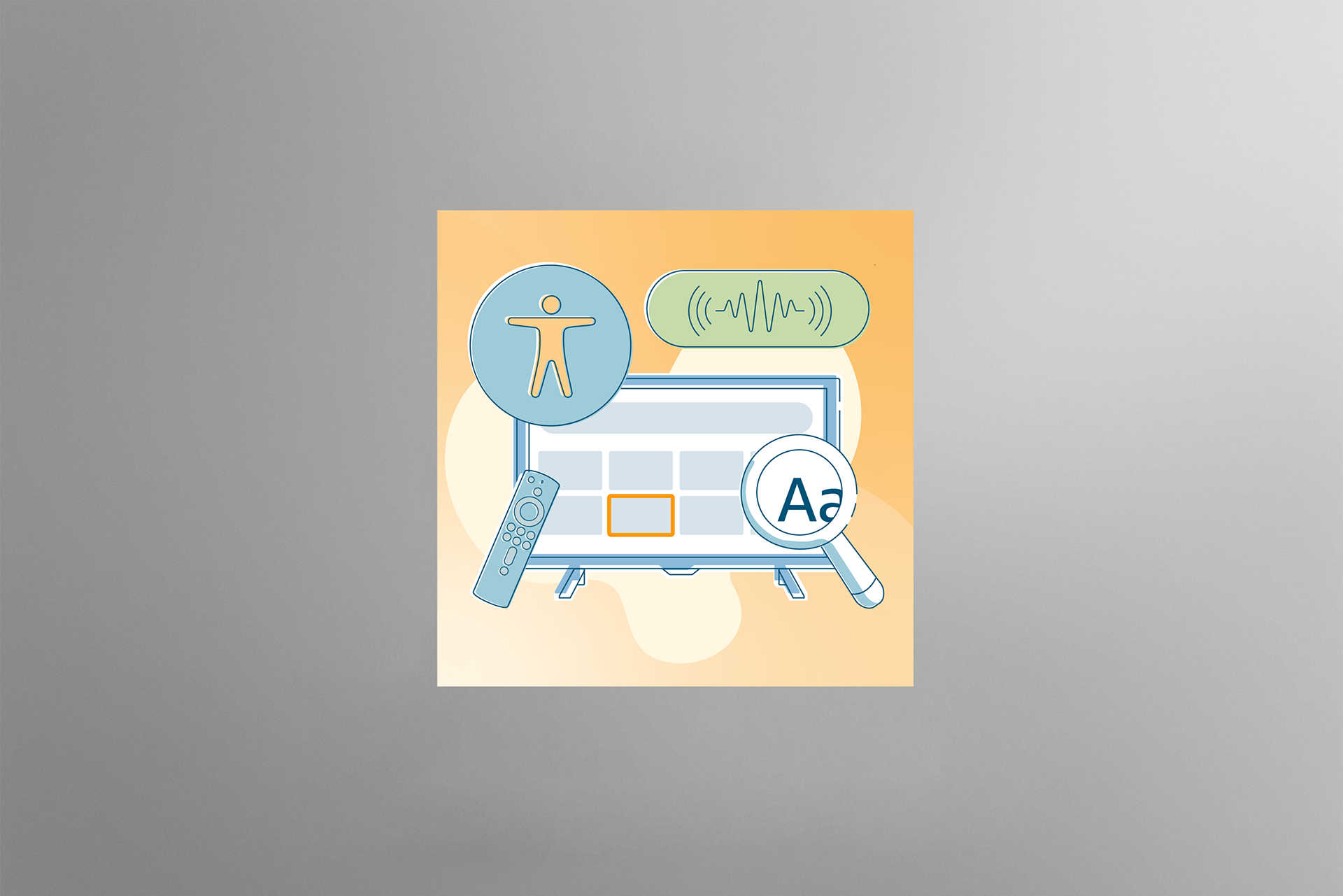
Build a Fire TV app in under an hour with AWS Amplify
Focused on simplifying the app-building workflow into a clear step-by-step visual system that helped readers understand the development process at a glance.




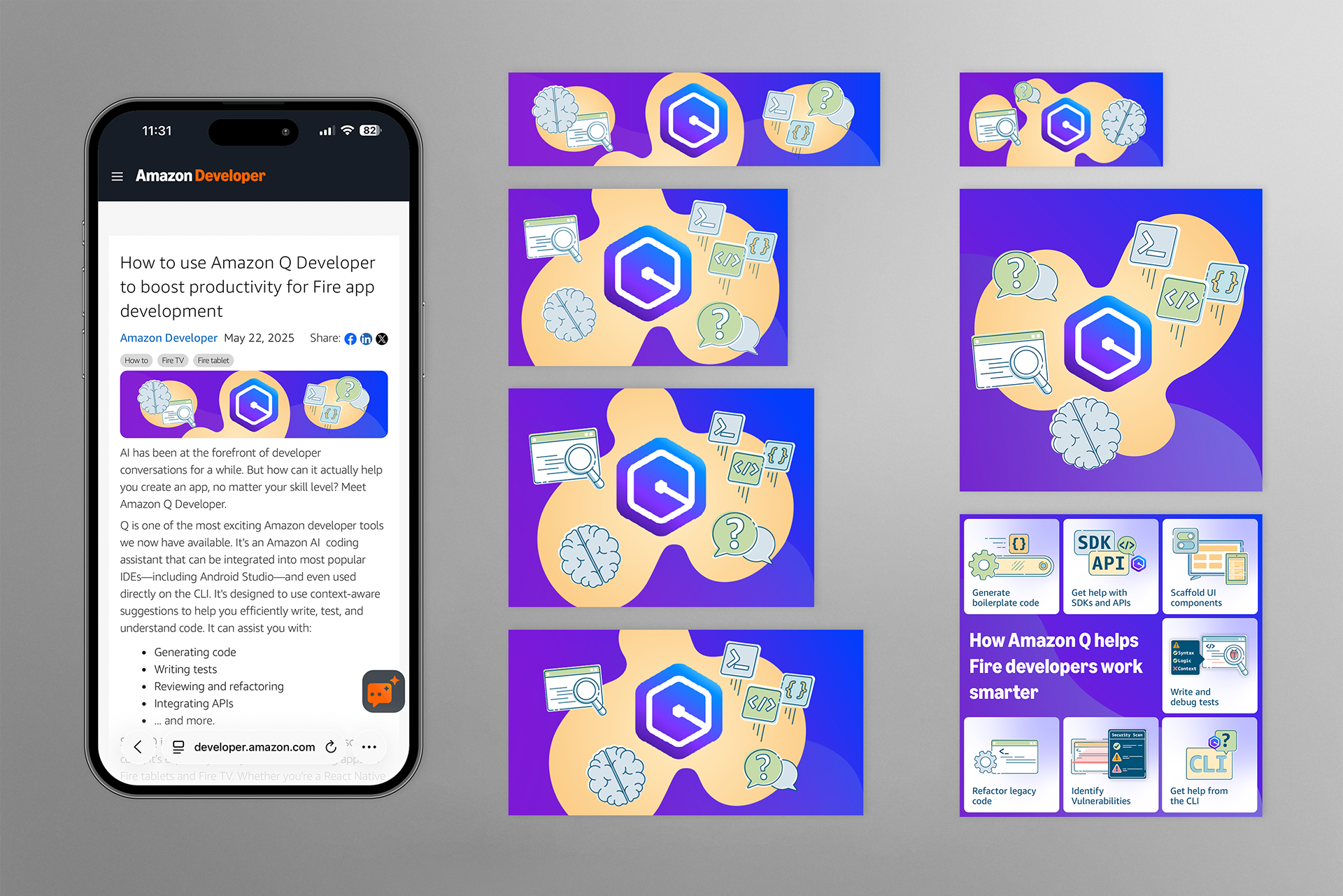
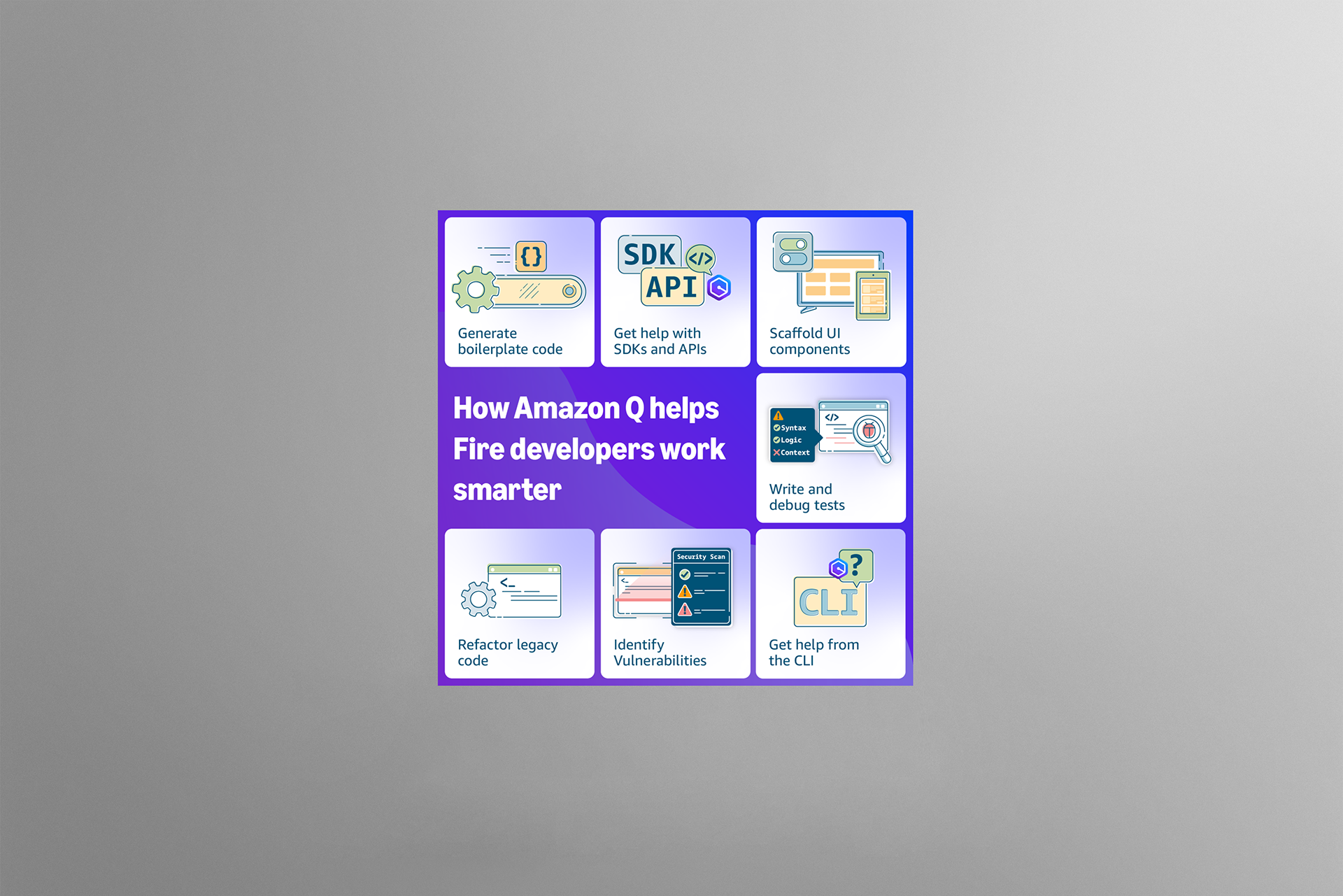
How to use Amazon Q Developer to boost productivity for Fire app development
Used a bolder, more saturated gradient system to differentiate the article while highlighting how Amazon Q Developer supports coding, testing, and productivity.






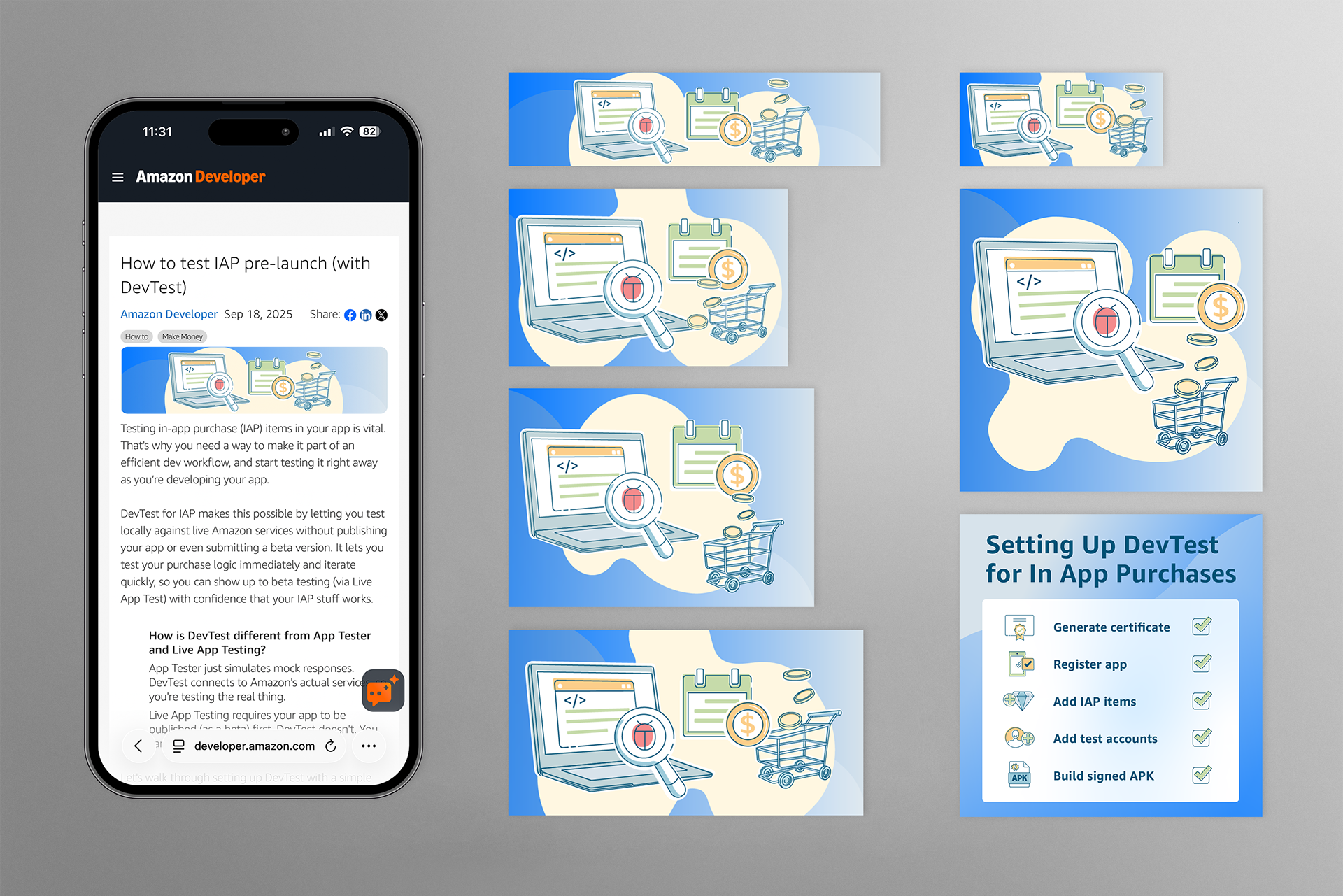
How to test IAP pre-launch (with DevTest)
Simplified the setup process for in-app purchase testing through a cleaner main illustration and supporting infographic that made the technical workflow more approachable.







Brand Design Style Guide
Achievement
These assets effectively unified complex technical information, branding, and messaging across multiple articles, highlighting key details and procedural steps. This cohesive approach enhanced the introduction of Amazon Q Developer and streamlined code writing and testing, ultimately boosting engagement and visibility.
Tools
Illustrations: Adobe Illustrator
Design systems: Figma